SIKAYD VERITY RP PC Controls
PC controls for SIKAYD: VERITY RP on Roblox: WASD movement, camera, chat, emotes, morph menu tips, and keyboard troubleshooting.
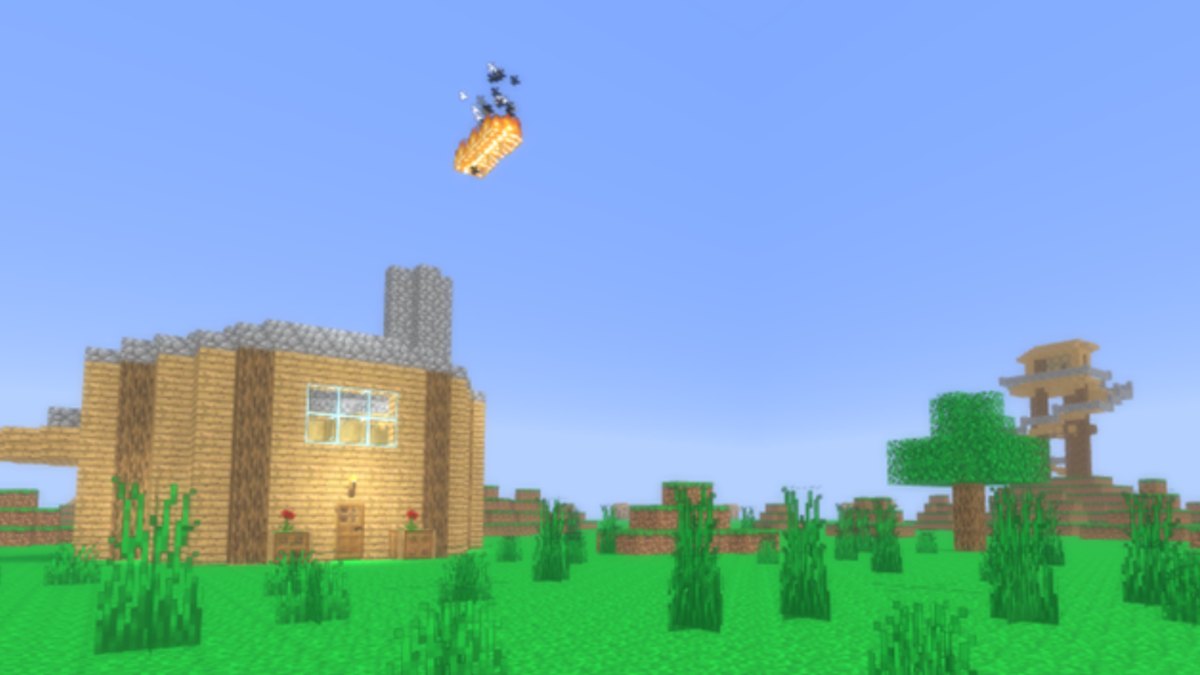
Playing SIKAYD: VERITY RP on PC means using standard Roblox keyboard and mouse controls plus a few morph-RP habits specific to c00lzerRSolo’s experience (Place 127329525207941, Universe 10393707211). You will move like any Roblox title, open chat for roleplay lines, and use the on-screen morph menu to become Verity, ThatMob, or Twixxel. There is no separate combat control scheme — the challenge is readable movement in crowded spawn and on the July 2026 lookout tower stairs.
Mobile players should read Mobile Controls instead. New players: start with Getting Started, then How to Morph for menu flow ahead of the planned UI rework.
Default Roblox PC movement
These bindings apply unless you changed them in Roblox settings:
| Action | Default key |
|---|---|
| Move forward | W |
| Move left | A |
| Move backward | S |
| Move right | D |
| Jump | Space |
| Shift lock (toggle) | Shift |
Hold right mouse button to rotate the camera while moving. Shift lock helps keep your morph facing chat partners during emote-heavy scenes on the tower platform.
Camera and navigation tips for morph RP
Morph models — especially Verity’s sphere silhouette — need clear sightlines:
- Zoom out slightly before climbing tower stairs so you see edges
- Avoid rapid spin spam; partners read tone from facing direction
- Reset camera if Roblox physics clips after jump — rejoin only if persistent
Improved lighting from the July update makes night scenes readable on PC without gamma hacks.
Chat and roleplay input
Open chat with / or click the chat box (top-left on most clients). Roleplay guidelines:
- Keep lines short — crowded lobbies scroll fast
- Prefix OOC when needed:
OOC: brb switching morph - Use
(Character)tags sparingly for tone — see How to Roleplay
Voicelines are roadmap features; until they ship, chat carries most scenes.
Emotes and animations
Roblox emotes vary by account and experience support:
- Open the emote wheel via the
.key or UI button if enabled - Select emotes that match scene pacing — horror Verity uses slow idle menace, not endless dance spam
- Pause emotes before climbing narrow tower paths — Lookout Tower Guide safety notes
Future open-mouth Verity updates may add expression tied to emotes; watch Updates Hub.
Morph menu on PC
Exact labels may move with UI rework, but typical flow:
- Click Morphs / Characters on the experience toolbar
- Select Verity, ThatMob, or Twixxel
- Wait for model swap before walking into crowds
Do not AFK in menu on spawn tiles — step aside per How to Morph etiquette.
Useful Roblox PC shortcuts
| Action | How |
|---|---|
| Menu | Esc |
| Screenshot | Roblox capture or OS tool |
| Reset character | Esc → Reset (use sparingly mid-scene) |
| Toggle graphics | Esc → Settings if lagging |
Resetting mid-scene breaks immersion — say OOC first unless glitching.
PC performance tips for crowded servers
SIKAYD often runs thousands concurrent during peaks:
- Lower graphics if frame drops cause mis-clicks on stairs
- Close heavy browser tabs if playing Roblox web
- Prefer wired internet for tower group scenes with many emotes
Lag is not an excuse for IC harassment — pause OOC instead.
Pairing controls with guides
| Goal | Read next |
|---|---|
| First join | Getting Started |
| Morph swap | How to Morph |
| Scene tone | How to Roleplay |
| Map routes | Map Guide |
| Character voice | Morphs Hub |
| Meta picks | Morph Tier List |
PC vs mobile in mixed groups
When partnering with phone players:
- Allow extra time for their camera turns
- Avoid fast tower chases they cannot match — Mobile Controls explains touch limits
- Summarize scene beats in chat if they miss emote nuance
Troubleshooting
| Problem | Try |
|---|---|
| WASD no response | Click game window; check Esc menu focus |
| Chat will not send | Verify account chat settings / age policy |
| Morph button missing | Rejoin after shutdown update |
| Stuck in geometry | Esc reset once; rejoin if repeated |
| Wrong keybinds | Roblox Settings → Keyboard reset |
Custom keybinds
Roblox allows rebinding in Settings → Keyboard. Morph RP rarely needs custom binds beyond comfort tweaks. Document your changes OOC if teaching newcomers on a shared account.
Related pages
- Mobile Controls — touch layout counterpart
- Getting Started — day-one PC checklist
- How to Morph — morph menu details
- Lookout Tower Guide — vertical navigation safety
- Codes Hub — no active codes; ignore fake redeem hotkeys
Solid PC controls keep SIKAYD: VERITY RP scenes focused on dialogue and staging, not fighting the camera. Practice movement for five minutes, then invest your session energy in Morphs Hub character choices — not key spam.
Frequently Asked Questions
Quick answers for SIKAYD: VERITY RP players.
Does SIKAYD: VERITY RP use custom PC keybinds?
Movement uses standard Roblox defaults. The morph menu is on-screen. Rebind only through Roblox Settings if you prefer.
How do I open chat on PC?
Press slash or click the chat box, then type. Use OOC prefixes for safety and morph swaps per How to Roleplay.
What key toggles shift lock?
Shift by default. Shift lock helps keep your morph facing partners during emotes on the lookout tower platform.
Should I reset character if I fall off the tower?
Say OOC first when partners are mid-scene. Reset once for glitches; rejoin if physics keeps breaking.
Where are mobile controls documented?
See Mobile Controls for touch sticks, jump button, and camera tips when switching devices.