SIKAYD VERITY RP Tools Hub
Printable RP planners and checklists for Verity, ThatMob, and Twixxel morph sessions—no scripts required.
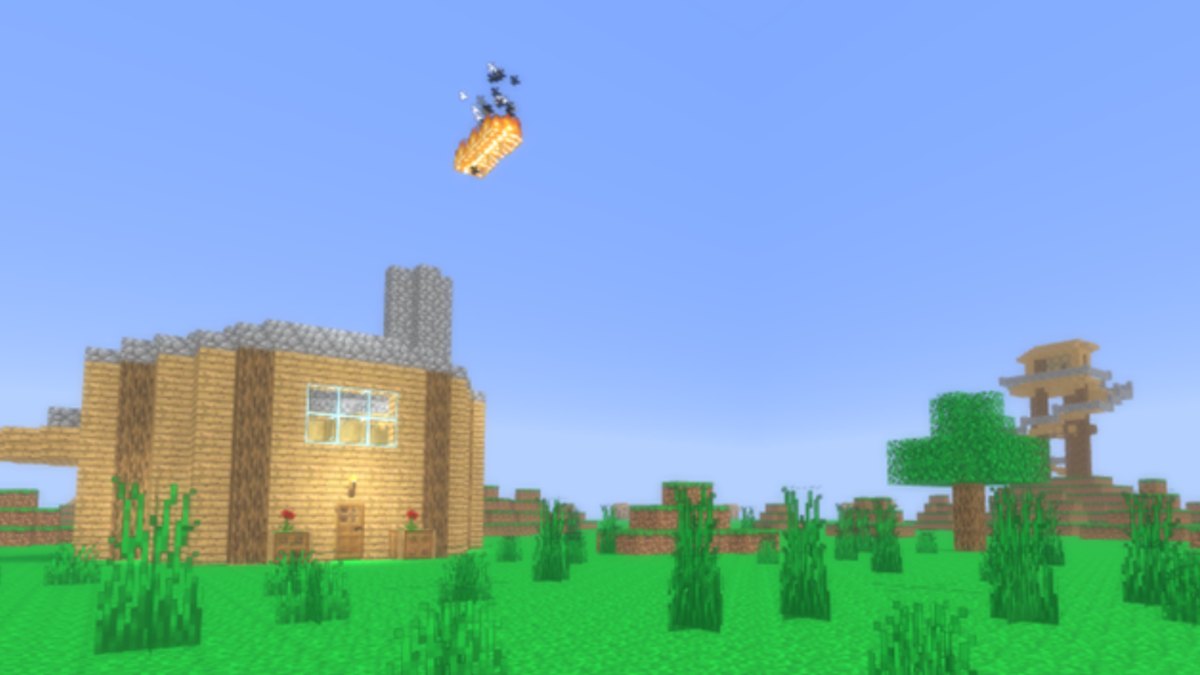
SIKAYD: VERITY RP is improvised morph roleplay—no quest log tells you what to do next. Tools Hub collects on-wiki planners that help you choose mood, morph, location, and conflict beats before you join Place 127329525207941. These are not Roblox executors, auto-farm scripts, or downloadable hacks; they are markdown checklists you read in-browser or copy to notes. c00lzerRSolo’s free experience (released 2026-06-25, Universe 10393707211) rewards consent-aware scenes, especially after the July 27, 2026 lookout tower and lighting update added vertical staging.
If you need mechanics first, read Getting Started, How to Play, and How to Morph. For character voice, see Morphs Hub—Verity, ThatMob, and Twixxel. For patch context, Updates Hub, Morph Tier List, and Horror RP Tier List explain how map changes affect scene choice.
Featured tools
RP Scenario Helper
A step-by-step scenario picker with tables for:
- Mood — horror, comedy, chill, or mixed
- Morph — which of the three core morphs fits your mood and lobby gaps
- Location — spawn, lookout tower, tower base split, quiet corners
- Conflict beat — optional tension hook that respects OOC consent
Use it solo to plan a session or share selections OOC with partners before morphing. The page is written as an interactive checklist—tick ideas mentally or copy rows into Discord—not a React mini-app inside Roblox.
Consent Checklist
OOC opt-in lines, stop phrases, soft limits, and morph-specific reminders before horror or tower group scenes. Run it after you pick a mood in the Scenario Helper.
Why tools instead of scripts?
Players search for infinite-yield-style utilities on many RP maps. Scripts Hub explains why we list no verified SIKAYD scripts and why executors risk bans and malware. Wiki tools improve RP without touching the client:
| Approach | Benefit | Risk |
|---|---|---|
| Scenario Helper | Structured scenes, consent prompts | None—plain text |
| Morph guides | Deep prompts per character | None |
| Executor scripts | None for morph RP | Account loss, server disruption |
There are no gamepasses and no active codes that replace planning—see Codes Hub.
How to use this hub before joining
- Open RP Scenario Helper on a second screen or phone
- Pick mood aligned with server tone—read chat briefly after spawn
- Cross-check morph against who is already online; fill lobby gaps per Morph Tier List
- Choose location using July update landmarks—Lookout Tower Guide when hosting groups
- Run conflict beat only with partner opt-in; horror Verity needs explicit consent
- Morph via legitimate menu—How to Roleplay for etiquette if you are rusty
Tools vs guides
Guides teach lasting mechanics and character depth—see How to Play and Verity Lore Guide for tone. Tools give session-level worksheets you reuse nightly. Start guides for learning; use tools for five-minute prep. Both link heavily to Morphs Hub and Horror RP Tier List so you never pick Twixxel comedy in a horror-only lobby without realizing it.
Future tool ideas (wiki-only)
Roadmap features on Updates Roadmap—voicelines, open-mouth Verity, skins, UI rework, better map—may inspire new checklists (volume etiquette, skin lore tables, new zone routes). We add tools when players need repeatable planning, not when features require exploits.
Related pages
- RP Scenario Helper — full mood/morph/location/conflict tables
- Consent Checklist — OOC opt-in and stop phrases
- How to Play — join-to-scene flow without executors
- How to Roleplay — consent, OOC, public server etiquette
- Morphs Hub — Verity, ThatMob, Twixxel deep guides
- Guides Hub — onboarding and map guides
- Scripts Hub — safety-first contrast to executors
Tools Hub keeps SIKAYD: VERITY RP fun without third-party injections—plan the scene, morph honestly, and play the lobby you actually joined.
Frequently Asked Questions
Quick answers for SIKAYD: VERITY RP players.
Do these tools run inside Roblox?
No. They are on-wiki markdown checklists you read while playing. Morphing still uses the official in-game menu from How to Morph.
Is the RP Scenario Helper a downloadable app?
No. It is a structured page with tables and steps on this wiki. Copy ideas to notes or Discord if you want them beside the game.
Can tools replace morph guides?
Tools help you pick a session plan quickly. Morph guides teach long-form character voice, consent, and map-specific prompts—use both.
Will you add tools when voicelines release?
Likely yes for volume and consent checklists. Watch Updates Hub—we document live features before adding tool pages.
Are wiki tools safer than scripts?
Yes. They are text planners with no client modification. Scripts Hub explains executor risks if you are tempted by fly or admin utilities.